DESIGN · BUILD · AUTOMATE
NORTHGLENN SERVICES
Digital Signage in Northglenn
A/V System Assessment, $225
Licensed digital signage services for Northglenn and Adams County. Dynamic displays for any venue.
What Northglenn requires
Code reference: Residential remodel permits in Northglenn, CO, are administered by the Building Division (contracted to SAFEbuilt) under the adopted and locally amended 2021 International Residential Code (IRC), per Northglenn Municipal Code Chapter 10, Article 8 (Section 10-8-5 amendments). §10-8-5
See full local requirements ↓- Full Design Lifecycle
- Construction & Tenant Finish
- Smart Home · A/V · Edge Compute
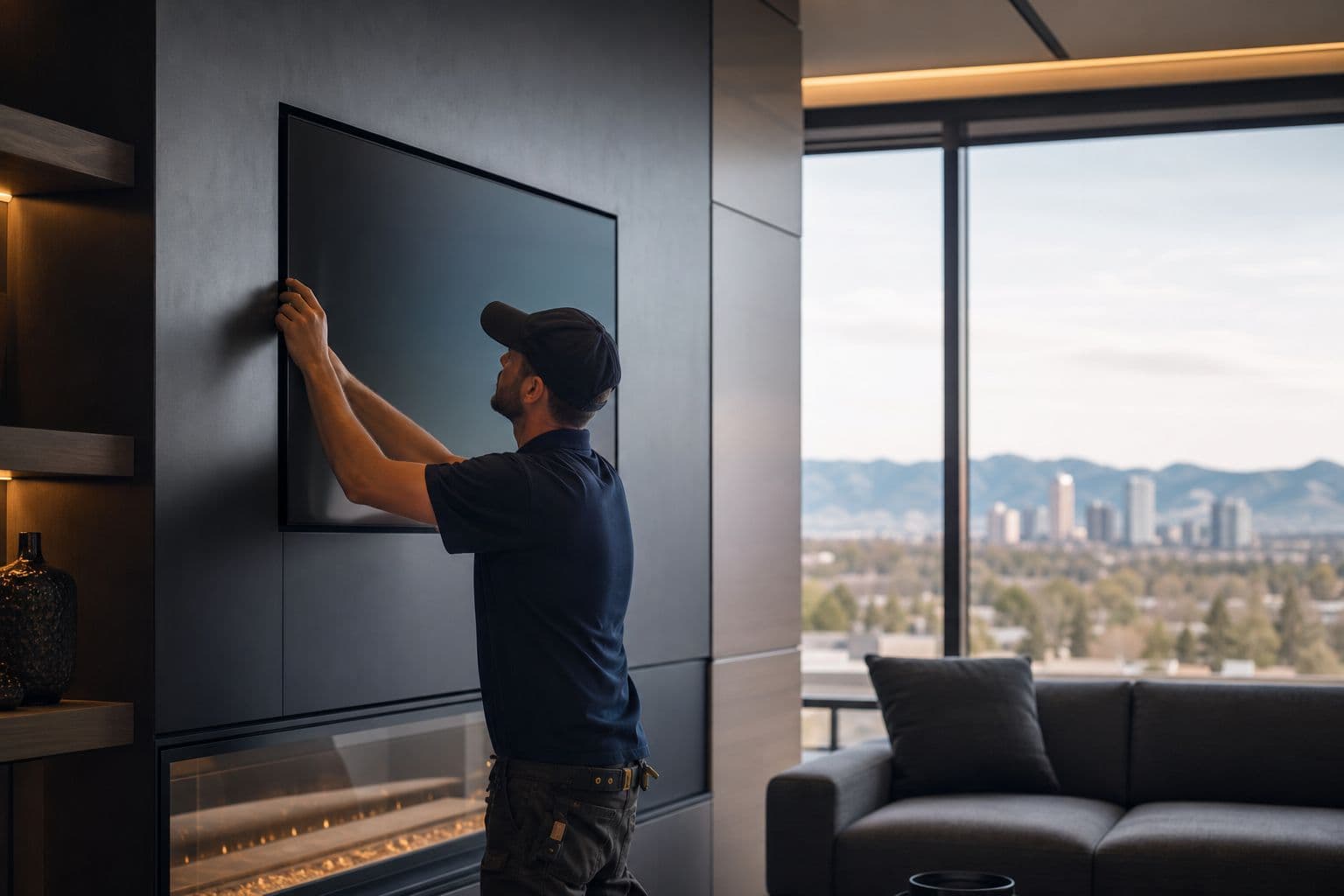
Dynamic displays for any venue
Book online
Pick your job and choose a time.
Pay when you book. We confirm within 24 hours or refund you in full.
A/V System Assessment
An A/V integrator reviews your existing audio, video, and control setup and identifies what to keep, fix, or replace.
Pay when you book · morning (8–12) or afternoon (12–4)
What's included
An A/V integrator reviews your existing audio, video, and control setup and identifies what to keep, fix, or replace. You receive a written assessment with an itemized upgrade path.
FREE PLANNING TOOLS
Both tools are free and take a couple of minutes — start in either one.
EVERY PROJECT STARTS WITH DESIGN
Local Service
Digital Signage Services in Northglenn, Colorado
Autotelic provides professional digital signage services throughout Northglenn and the surrounding Adams County area. Commercial digital signage including menu boards, wayfinding, video walls, and content management systems. Whether you're in Northglenn (north Denver metro) or nearby communities, our team delivers quality workmanship, licensed and insured.
The build sequence for a Digital Signage project
This service is a component of How a Commercial project works in Northglenn · How a Venue project works in Northglenn.
Permit Thresholds
Northglenn permit thresholds
- Code reference
- Residential remodel permits in Northglenn, CO, are administered by the Building Division (contracted to SAFEbuilt) under the adopted and locally amended 2021 International Residential Code (IRC), per Northglenn Municipal Code Chapter 10, Article 8 (Section 10-8-5 amendments).§10-8-5
- Code reference
- Permits are generally required for most residential remodel, alteration, addition, or repair work unless it qualifies for one of the narrow exemptions in the amended IRC Section R105.2.§R105.2.
- Code reference
- ### Key Exemptions (IRC R105.2, as amended)
- Exception 1 (amended)
- Detached accessory structures (as defined in Chapter 11 of the Northglenn Municipal Code) with floor area ≤ 200 square feet.
- Code reference
- (Standard IRC Exception 1 deleted in full and replaced.)
- Exception 2
- Deleted in its entirety.
- Code reference
- Permit and plan-review fees are based on project valuation (determined via square footage applied to the ICC Building Valuation Data Table, currently referencing the Feb 2019 table, or as otherwise established).
- Code reference
- Fees follow the 1997 Uniform Building Code schedule.
Codes are amended regularly — verify current requirements with **The City of Northglenn Building Division (contracted services provided by SAFEbuilt) issues residential building permits.
text
What digital signage work covers
Digital signage in the Denver metro includes indoor menu and wayfinding displays as well as outdoor illuminated or digital signs. Indoor work is mostly mounts, players, and circuits. Outdoor work is a zoning sign plus electrical. A municipally licensed Denver general contractor coordinates the project and licensed specialty trades. Cost is project-specific and depends on indoor versus outdoor, size, and whether a Comprehensive Sign Plan already governs the site.
text
Permits and who coordinates the work
Indoor hardwired displays typically need an electrical permit when new circuits are added. Outdoor work usually needs both zoning and electrical. Colorado DORA regulates electrical licensing. Cities and counties license general contractors. Colorado has no statewide general contractor license. Autotelic acts as a municipally licensed Denver general contractor and coordinates licensed specialty trades for digital-signage scopes.
text
What buyers should prepare
Indoor versus outdoor, proposed location and size, landmark status if known, and whether the site already has a Comprehensive Sign Plan.
FAQ
Common questions
How much does A/V System Assessment cost in Northglenn?
$225.
How do I book?
Press Book next to the job, pick a date and a morning (8–12) or afternoon (12–4) window, and pay in full. We confirm within 24 hours or refund you in full.
Who handles digital signage permits and licensing?
A municipally licensed Denver general contractor coordinates the project and licensed specialty trades. Colorado has no statewide general contractor license.
What is a Comprehensive Sign Plan?
A site-specific zoning document for larger facilities. If one exists, new signs are checked against it before a permit issues.
Do historic buildings need extra review?
Yes. Exterior signs on landmarks or in historic districts need Landmark review in addition to zoning and electrical.
What information helps define scope?
Indoor vs outdoor, size, photos of the wall or storefront, and city or county.
Service Area
Serving Northglenn and Adams County
We serve Northglenn, CO and all surrounding Denver metro communities. Our team is based in Denver and operates throughout the Front Range, from Castle Rock to Longmont and everywhere in between. Contact us for a free estimate on your Northglenn project.
How It Runs
01
Survey
02
Design
03
Build
04
Verify
DESIGN SERVICES
Discovery & Site Analysis
Needs + preference programming, site survey, as-built documentation, feasibility.
We walk, measure, and photograph your property — existing conditions, utilities, structure, and constraints. You get the as-built documentation and feasibility read that every later decision rests on.
Learn more →Concept Design & Space Planning
Schematic design, floor plan studies, layout options.
Your scope becomes schematic floor plans you can compare side by side — circulation, daylight, adjacencies, and what each option does to the budget. Layout decisions happen on paper, where changes are cheap.
Learn more →Architectural Design & 3D Renderings
Design development, materials + finishes, photorealistic visualization.
The chosen concept resolves into materials, finishes, fixtures, and lighting — with the automation layer drawn in. Photorealistic renderings let you walk the space and adjust before anything is priced.
Learn more →Construction Documents & Permitting
Full CD sets, structural + MEP engineering coordination, permit-ready drawings.
Approved designs become coordinated architectural, structural, and MEP sheets — the set your jurisdiction permits from and trades build from. We submit, track, and answer review comments.
Learn more →CONSTRUCTION
New Construction & Custom Homes
Ground-up homes and light commercial, dirt to keys.
Ground-up residential and light commercial builds — foundations through finishes, including modular and steel construction. One accountable builder from dirt to keys.
Learn more →Remodels & Additions
Kitchens, baths, basements, pop-tops, whole-home.
Kitchens, baths, basements, pop-tops, and whole-home renovations that respect the house you already have. We handle structure, permits, and the dust.
Learn more →Commercial Tenant Finish & Build-Outs
Shells to working spaces — retail, office, restaurant, school.
Raw shells become working spaces — showrooms, offices, restaurants, schools. Dealer-spec finishes, code compliance, and opening dates held.
Learn more →ADUs & Modular Construction
Backyard cottages, garage conversions, factory-built homes.
Backyard cottages, garage conversions, and factory-built homes — zoning, design, permits, and set. Denver’s ADU rules are a specialty, not a surprise.
Learn more →Outdoor Living & Patio Structures
Decks, pergolas, and dining patios built for Colorado weather.
Decks, pergolas, and dining patios engineered for Colorado sun, snow, and hail — structure, shade, and drainage done right the first time.
Learn more →TECHNOLOGY
Smart Home Automation
Lighting, shades, climate, audio, security — one interface.
Whole-home control of lighting, shades, climate, audio, and security from a single interface — Crestron, Lutron, Savant, and Control4 designed in, not bolted on.
Learn more →A/V Systems
Theaters, distributed audio, video walls, commercial sound.
Theaters, distributed audio, video walls, and commercial sound — designed, installed, and tuned by the same team for over 20 years.
Learn more →Control Systems
Custom programming — scenes and schedules that fit the space.
Every subsystem brought into one elegant interface — custom programming for homes and venues, with scenes and schedules that match how the space is actually used.
Learn more →Networking & Edge Compute
Enterprise Wi-Fi, structured cabling, racks, on-prem compute.
Enterprise-grade Wi-Fi, structured cabling, racks, and on-premise compute — the backbone that makes everything else reliable, including our own Barbot platform.
Learn more →Solar & Energy Storage
Solar arrays, Tesla Powerwall, EV charging — certified install.
Solar arrays, Tesla Powerwall, and EV charging designed and installed by a Tesla Energy Certified team — roof, electrical, and app in one scope.
Learn more →Explore
Also serving
Explore